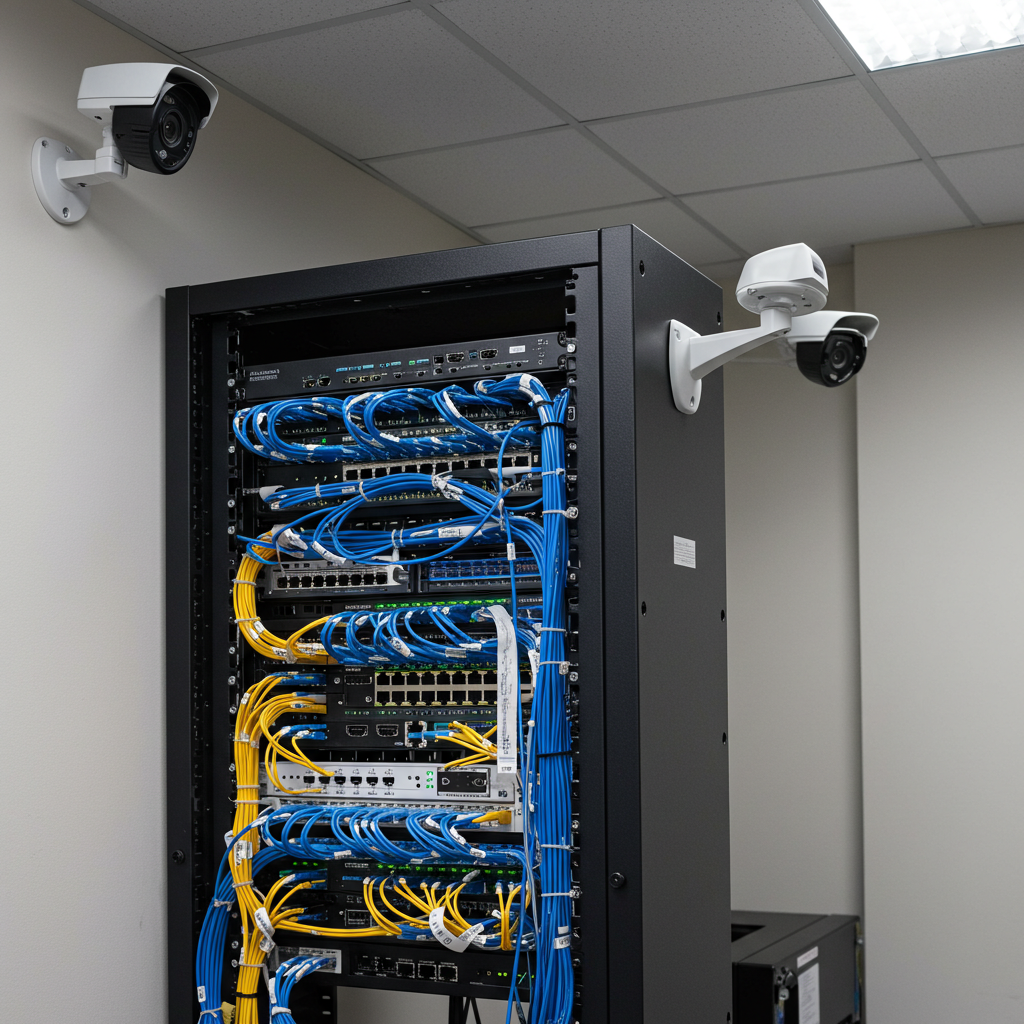
Listen, I’ve been installing security cameras around Philadelphia for years now, and if there’s one thing that drives me crazy, it’s when someone calls me to fix a system that’s falling apart because the last guy used garbage cables.
Just last month, this restaurant owner in South Philly called me at 7 AM, completely panicked. Someone tried to break into his place overnight, and his security system basically gave him the digital equivalent of potato quality footage. Useless. The cameras were fine, but the cheap cabling his previous installer used couldn’t handle the load when it mattered most.
Here’s the thing nobody tells you about security cameras – your fancy $500 camera is worthless if it’s connected with $2 cable. I learned this the hard way during my first few installations, and I don’t want you making the same mistakes.
Why Your Cable Choice Actually Matters
Look, I get it. When you’re spending money on a security system, cables seem like the boring part. But here’s what happens when you cheap out:
Your video starts looking like it was filmed through a fishbowl. The footage lags when someone’s actually breaking in. Sometimes the whole system just… stops working. And when your insurance company asks for clear footage of the incident? Good luck with that.
I’ve seen this happen way too many times. Just last year, I had to completely redo a wired camera installation for a family in Germantown because their previous “professional” used Cat5 cable from 2003. The whole system was a mess.
Cable Types That Actually Work (And Why)
Cat5e – The Solid Choice for Most Homes
This is what I install in probably 70% of the homes I work in around Philadelphia. It’s reliable, it’s not crazy expensive, and it gets the job done for standard HD cameras.
I just finished a residential wired surveillance camera setup for this family near Temple University – eight cameras total, and Cat5e handled everything perfectly. The homeowner was worried about future upgrades, but honestly, unless you’re planning some massive 4K surveillance operation, Cat5e will serve you well for years.
Cost-wise, you’re looking at decent savings compared to the fancier options, which matters when you’re already dropping money on a proper home wired security camera system.
Cat6 – When You Want to Future-Proof
Now, if you’re a business owner or someone who likes to plan ahead, Cat6 is where it’s at. Yeah, it costs more upfront, but I’ve had clients thank me years later for pushing them toward this choice.
Perfect example – I did a wired camera system for office security at this startup in Fishtown. The owner wanted to save money and go with Cat5e. I convinced him to spend the extra cash on Cat6. Six months later, he wanted to upgrade to 4K cameras. Guess what? No rewiring needed. He bought me a beer for that one.
If you’re doing any kind of commercial wired CCTV installation, I’m probably going to recommend Cat6. It handles way more data, which means your high-definition wired cameras won’t struggle when things get busy.
Cat6a – The Premium Option
This stuff is serious business. I don’t use it often, but when I do, it’s because the job demands it. Think big properties, long cable runs, or situations where you absolutely cannot have any signal issues.
Did a warehouse security installation in the Navy Yard area last year – massive space, cameras everywhere. Regular Cat6 wouldn’t have cut it because of the distances involved. Cat6a solved all those problems, but it definitely costs more.
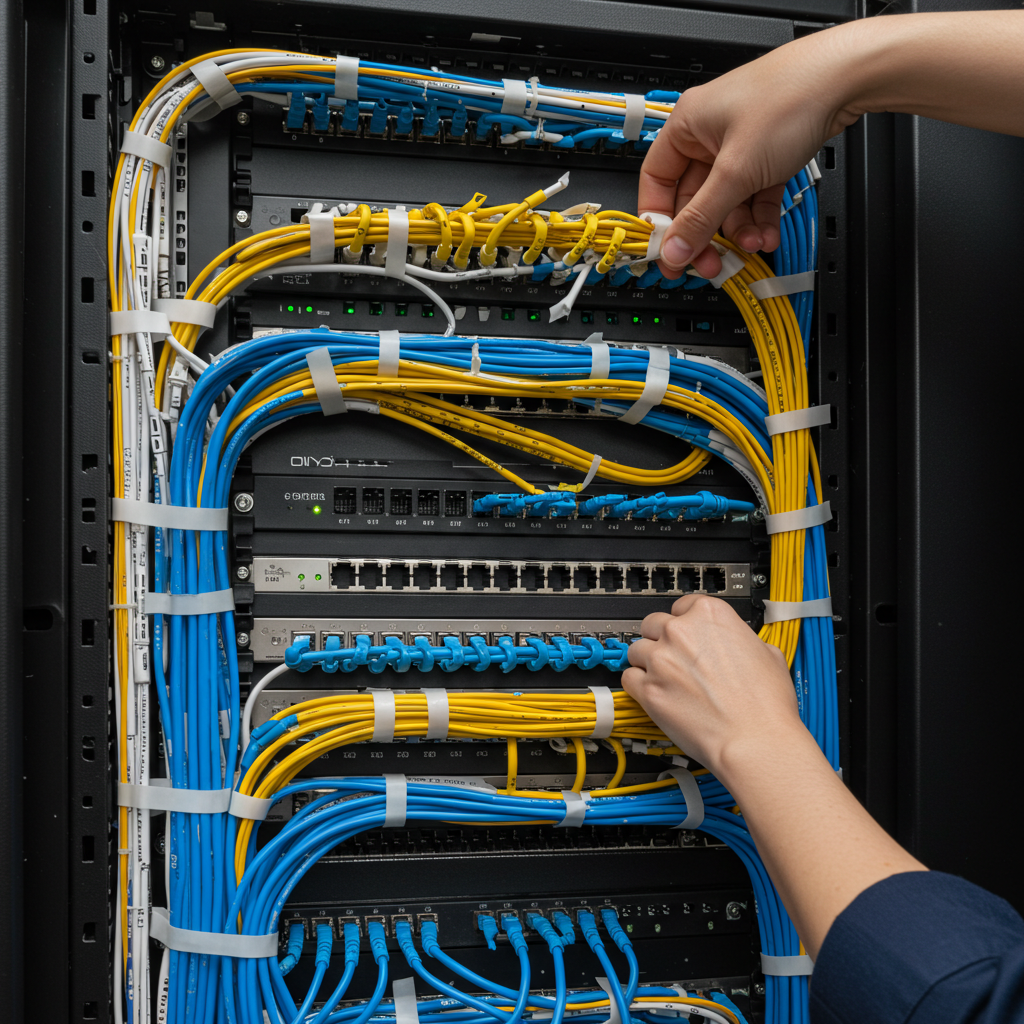
Okay, fiber optic sounds super high-tech and expensive, but sometimes it’s actually the smart choice. I installed a system for this shopping center in Northeast Philly – 47 cameras across a huge space. With that many cameras and those distances, copper cables would have been a nightmare.
Fiber Optic – When Copper Just Won’t Do It
Fiber eliminated all the interference issues we would have had with all the electrical stuff in that building. Plus, it can handle basically unlimited bandwidth, so if they want to add more cameras later, no problem.
Here’s when I actually recommend fiber:
- Your property is huge (we’re talking 50,000+ square feet)
- There’s lots of electrical interference
- You’re planning a seriously large surveillance setup
- You want to future-proof for technologies that don’t even exist yet
The downside? It’s expensive and requires special equipment. But for the right job, it’s worth every penny.
Power Over Ethernet – This Changes Everything
This might be the coolest advancement in security camera technology in the last decade. Instead of running separate power cables to every camera, PoE sends both power and data through one ethernet cable.
I can’t tell you how much time this saves during installation. What used to take me a full day now takes maybe six hours. Plus, fewer cables means fewer things that can go wrong down the road.
The only thing to watch out for is making sure your cameras don’t need more power than standard PoE can provide. Some of those fancy pan-tilt-zoom cameras or outdoor cameras with heaters need PoE+, which delivers more juice.
Planning Your Installation (The Stuff They Don’t Tell You)
Before I even think about pulling cable, I spend serious time walking around your property. Not just a quick look – I’m talking about understanding how you actually use your space.
Where do people enter and exit? What are your blind spots? Where would someone try to break in? How is your building actually built? (This matters way more than you’d think, especially in Philly where half the buildings are a hundred years old.)
Philadelphia Properties Are Special
Working in this city has taught me a few things. First, these old rowhomes and commercial buildings weren’t exactly built with modern technology in mind. Stone walls, weird layouts, narrow spaces – it all affects how you run cables.
Second, our weather is brutal on outdoor equipment. Hot, humid summers and freezing winters mean you need cables that can handle temperature swings and moisture.
Third, if you’re in certain historic neighborhoods, there are rules about what you can and can’t do to the exterior of buildings. I’ve learned to work around these restrictions while still getting you the security coverage you need.
Real Talk About Installation
What Good Installation Actually Looks Like
When I do a professional wired camera installation, I’m not just throwing cables wherever they fit. There’s a method to it.
I keep cables away from electrical lines to avoid interference. I use proper conduit to protect everything and make future changes easier. I label every single cable because trust me, you’ll thank me later when something needs maintenance.
And here’s something most installers skip – I actually test everything when I’m done. Not just “does it work” but proper signal testing to make sure you’re getting the performance you paid for.
Documentation Matters More Than You Think
Every job I complete includes a map showing where every cable goes, how everything connects, and what all the performance numbers look like. This isn’t just to look professional – it saves you time and money when you need service later.
Common Problems I See (And How to Avoid Them)
Cheap Cables Fail When You Need Them Most
I can’t count how many emergency calls I’ve gotten because someone’s security system died during an actual break-in attempt. Nine times out of ten, it’s because someone used bargain-basement cables that couldn’t handle the data load.
Running Cables Too Far Without Boosters
Ethernet has limits. Push it too far without proper equipment, and your signal starts degrading. I’ve seen installations where cameras work fine during the day but start acting up when there’s lots of motion at night.
Not Planning for Growth
Here’s what happens – you install a 4-camera system, then six months later you want to add more cameras. If your installer didn’t plan ahead, you’re looking at pulling new cables and potentially tearing open walls again.
I always install more capacity than you currently need. It costs a little more upfront but saves you major headaches later.
Making the Right Choice for Your Situation
For Homeowners
If you’re just trying to secure your house, don’t overthink it. Cat5e cable with a solid affordable wired security camera installation will handle most residential needs perfectly.
Want to future-proof a bit? Cat6 doesn’t cost that much more and gives you room to grow. This is especially smart if you’re in one of those neighborhoods where break-ins are becoming more common.
Got a historic rowhome? We’ll figure out creative ways to run cables without damaging your character features. I’ve gotten pretty good at working with these old buildings.
For Business Owners
Small retail spaces usually do great with Cat6 and PoE cameras. Gives you good performance without breaking the bank.
Larger commercial properties? We’re probably talking fiber optic backbone with copper distribution to individual cameras. Yeah, it’s more expensive, but your business deserves reliable security.
Planning to expand your business? Let’s build your cabling infrastructure to handle growth. It’s way cheaper to do it right the first time than to retrofit later.
Working With the Right Installer
What You Should Expect
A good installer should spend real time understanding your specific needs. No two properties are the same, and anyone giving you a quote over the phone without seeing your place is probably cutting corners.
You should get quality components, not whatever’s cheapest. Professional installation practices that ensure everything works reliably for years. Testing to prove your system actually meets specifications. And ongoing support when you need it.
Questions Worth Asking
Don’t just hire the cheapest guy. Ask what types of cables they recommend and why. How do they handle long cable runs? What kind of warranty do they provide? Can they show you similar jobs they’ve done in the area?
If someone can’t explain their choices in plain English, or if they seem like they’re just trying to sell you the most expensive option, keep looking.
The Bottom Line
I’ve installed hundreds of security camera systems around Philadelphia, and I’ve learned that trying to save money on cables always costs more in the end. Quality network cabling is the foundation of everything else.
When your system works reliably 24/7, when you can easily add cameras later, when the footage is clear enough to actually help police – that’s when you know the installation was done right.
Whether you’re protecting your South Philly rowhome or your Center City business, getting the cabling right makes all the difference. The key is working with someone who knows what they’re doing and isn’t just trying to sell you the cheapest option.
Need help with your security camera installation?
I’m Robert from Mi5 Security, and I’ve been helping Philadelphia area property owners protect what matters most. If you want to discuss your specific situation, give me a call at (610) 633-6364 or email robertpjonesjr@yahoo.com.
I’ll come take a look at your property and give you honest advice about what you actually need. No high-pressure sales, no cookie-cutter solutions – just straight talk about securing your property the right way.


