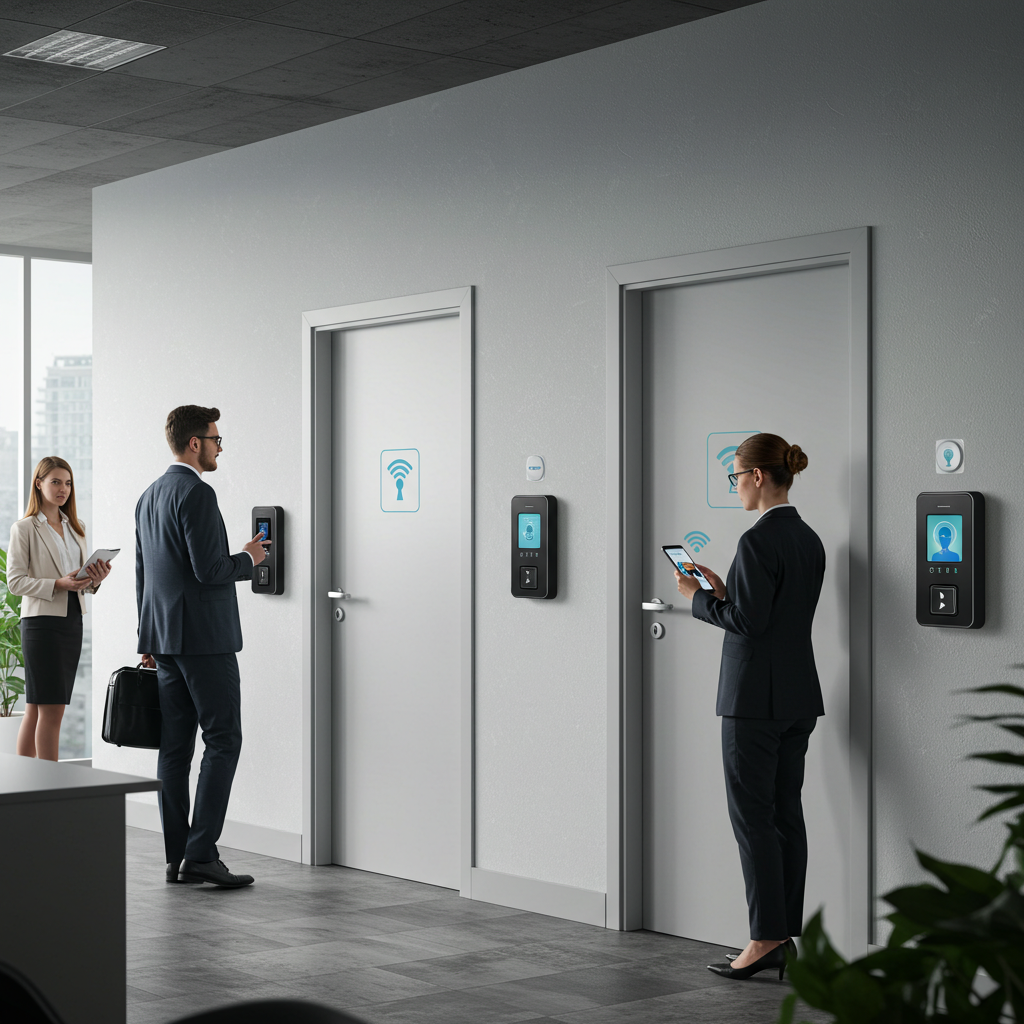
Last month, I got a call from this business owner in Fishtown who was losing his mind. Someone had been stealing from his store, but his security cameras only showed people walking in and out – he had no idea who actually had legitimate access and who didn’t. His door locks were completely separate from his camera system, so matching up footage with entry records was like trying to solve a puzzle with half the pieces missing.
Two weeks later, I finished installing an integrated access control and camera system for him. Now when someone badges in, the cameras automatically focus on that door, record the entry, and log everything together. Last week, he caught an employee letting unauthorized people in after hours. Case closed.
This kind of integration isn’t just convenient – it’s becoming essential for any serious security setup. But getting it right takes more than just buying compatible equipment. There’s networking, timing, software integration, and a bunch of technical details that can make or break the whole system.
Why Integration Actually Matters
Here’s what most people don’t realize – having separate security camera installation and access control systems is like having a car with the engine disconnected from the transmission. Both parts work, but they’re not really working together.
When systems are integrated properly:
- Cameras automatically start recording when someone uses a badge or enters a code
- You get immediate alerts if someone tries to force a door while cameras are watching
- All the data is stored together, so you can easily find footage of specific entry events
- The system can automatically lock down areas if cameras detect unauthorized activity
I did a wired security camera installation for this medical office in Center City last year. The doctor wanted to track who was accessing patient records areas, but with separate systems, it would have taken hours to correlate badge swipes with camera footage. With integration, everything happens automatically.
The Technical Side (Without the Jargon)
How Systems Actually Talk to Each Other
Most modern access control systems use IP-based communication, which means they can share data over your network just like cameras do. When someone badges in, the access control system sends a signal to the camera system saying “hey, someone just entered at door 3.”
The camera system then knows to start recording, maybe zoom in on that area, and tag the footage with the badge information. It’s pretty slick when it works right.
Network Infrastructure Requirements
This is where having proper wired camera installation really pays off. Both access control and cameras need solid network connectivity, and if your cabling isn’t up to the job, the whole integration falls apart.
For a typical commercial wired CCTV installation with integrated access control, I’m usually running Cat6 cable to handle the data load from multiple cameras plus access control devices. PoE switches power both cameras and many types of door controllers, which simplifies installation and reduces failure points.
Types of Integration Systems
Software-Based Integration
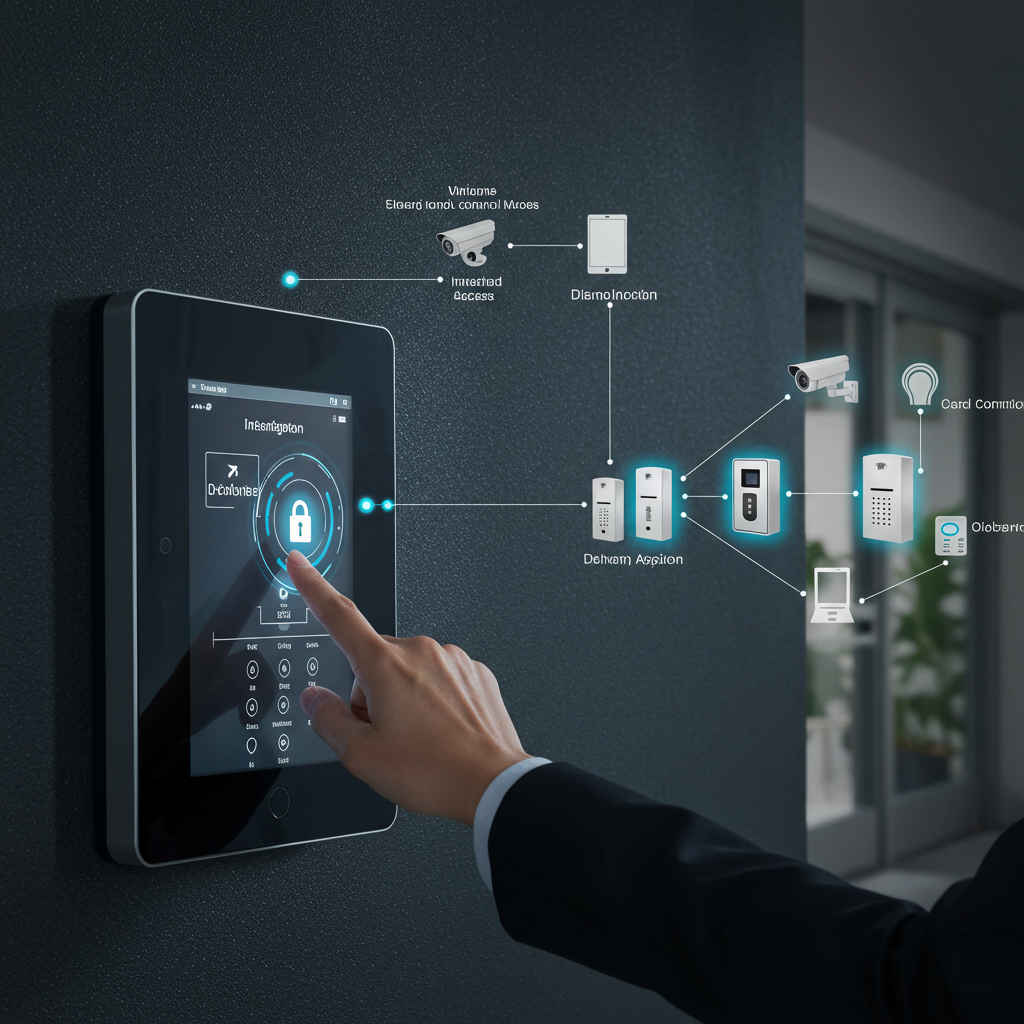
This is what I install most often. The cameras and access control run on separate hardware but share data through software. Companies like Genetec, Milestone, and others make platforms that bring everything together in one interface.
Pros: Usually works with existing equipment, flexible, easier to upgrade individual components. Cons: Requires more network setup, software licensing costs, needs someone who understands both systems.
Hardware-Based Integration
Some manufacturers make systems where the access control and cameras are designed to work together from the ground up. These can be simpler to install but limit your equipment choices.
I used a hardware-integrated system for this retail store in South Philly. The owner wanted something simple that his staff could operate without training. Trade-off was higher upfront cost and fewer upgrade options down the road.
Hybrid Approach
For larger installations, I often use a mix – integrated software for the main system with some standalone components for specific needs. This office complex in King of Prussia needed different security levels for different tenants, so we used a hybrid setup that gave each tenant control over their space while maintaining building-wide oversight.
Planning Your Integrated System
Start With Your Actual Needs
Before I even think about equipment, I spend time understanding how people actually move through a building. Where do employees enter? What areas need restricted access? Who needs to be able to see what’s happening where?
This manufacturing company in Northeast Philly thought they needed cameras and access control on every door. After walking through their operation, we realized 80% of their security needs could be handled by controlling three main entry points and watching them with high-definition wired cameras. Saved them about $15,000.
Consider Your Building Layout
Philadelphia’s got all kinds of weird building layouts, especially in older commercial areas. I’ve worked in buildings with multiple floors, separate entrances for different businesses, shared hallways – all kinds of complications.
The key is designing a system that matches how the building actually gets used, not some theoretical perfect setup. Sometimes that means wireless cameras in spots where running cable would be impossible, or access control on some doors but not others.
Think About Future Changes
Businesses change, and your security needs will too. When I design an integrated system, I always plan for expansion – extra network capacity, additional camera positions, more access control points.
This restaurant in Old City started with basic access control on the back door and a few cameras. Two years later, they expanded to the space next door and wanted to control access between sections. Because we’d planned ahead, adding the new components was straightforward.
Installation Challenges (And How to Handle Them)
Network Timing Issues
When access control and cameras need to work together, timing becomes critical. If there’s network lag, someone might badge in but the camera doesn’t start recording until they’re already inside.
I learned this the hard way on an early integration job. The customer kept complaining that the cameras were missing the actual door entry. Turned out the network switches were overloaded and creating delays. Upgraded the network infrastructure, problem solved.
Power Coordination
Access control devices, cameras, and network equipment all need power, often in places where electrical outlets aren’t convenient. PoE helps, but you need to make sure your switches can handle the total power load.
Did a job last year where the access control system worked fine during the day but failed at night. Took me a while to figure out that the building’s power was marginal, and when the heating system kicked on, voltage dropped enough to cause problems. Had to upgrade the electrical service.
Software Configuration
Getting different systems to talk to each other often requires more configuration than you’d expect. Field mapping, trigger settings, user permissions – there are dozens of details that have to be set up correctly.
I usually plan on spending at least a full day just on software setup for a typical commercial installation. It’s not difficult work, but it’s detailed and you can’t rush it.
Common Integration Scenarios
Employee Access Tracking
This is probably the most common request I get. Business owners want to know who’s coming and going, especially for after-hours access.
Basic setup: Badge reader at main entrance, camera watching the door, software that logs entries and automatically saves video clips. Costs have come down enough that this makes sense for pretty small businesses now.
Visitor Management
More sophisticated setups can handle visitors differently from employees. Temporary access codes, escort requirements, visitor check-in with photo capture – all tied together with camera coverage.
I did this for a professional services firm downtown. Visitors get temporary codes that only work during business hours, and cameras automatically capture photos when visitor codes are used. Helps with both security and liability issues.
Emergency Lockdown
In some situations, you want cameras and access control to work together for emergency response. If cameras detect certain types of activity, the system can automatically lock down areas.
Healthcare facilities often want this capability. If cameras detect someone in a restricted area without proper access, the system can lock adjacent doors and alert security.
Multi-Location Management
For businesses with multiple locations, integrated systems can provide centralized monitoring and control. I’ve set up systems where a manager can watch camera feeds and control access at several locations from one central office.
The trick is having reliable network connections between locations. Sometimes that means dedicated internet lines, sometimes VPN connections over regular internet service.
Equipment Considerations
Camera Requirements
Not every camera works well with access control integration. You need cameras that can respond quickly to triggers, handle varying lighting conditions (people walking in from bright outdoor areas), and provide clear facial recognition.
For door cameras, I usually recommend cameras with wide dynamic range capability to handle the lighting challenges of doorways. Regular outdoor wired camera setup might not give you the image quality you need for access control integration.
Access Control Hardware
Basic magnetic card readers work fine for simple setups, but if you want integration features like anti-passback (preventing someone from lending their card to someone else), you need more sophisticated hardware.
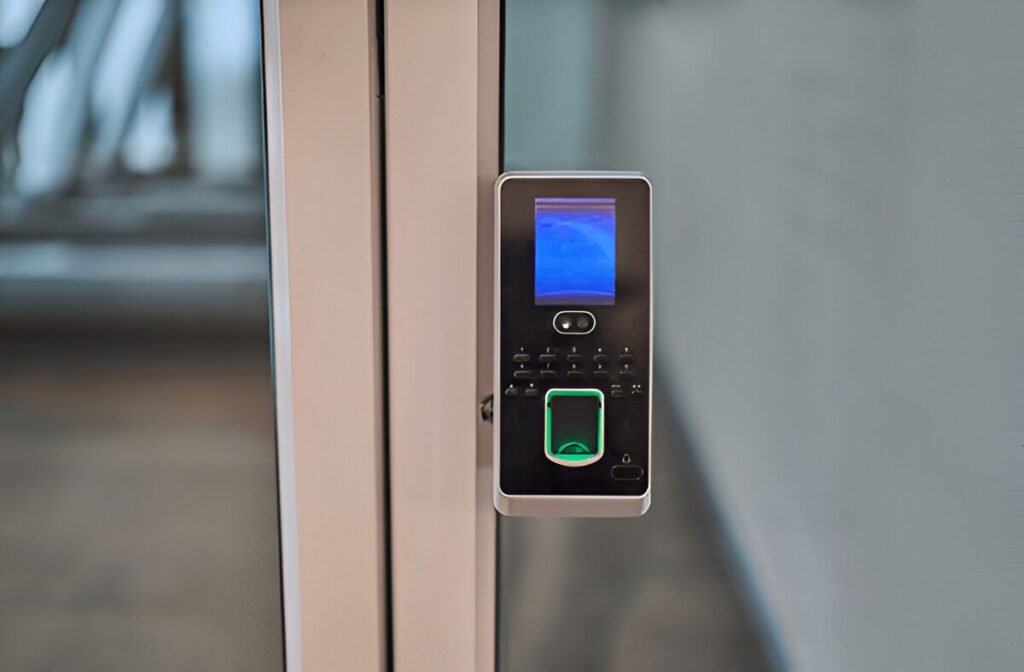
Biometric readers (fingerprint, facial recognition) are getting more popular and more affordable, but they require more network bandwidth and processing power.
Network Infrastructure
Integrated systems put more demands on your network than separate systems do. You need sufficient bandwidth for camera streams plus access control data, and you need switches that can handle the power requirements for PoE devices.
For most commercial installations, I’m using managed switches that let me prioritize traffic and monitor performance. Costs more than basic switches but prevents problems down the road.
Costs and Budget Planning
What Integration Actually Costs
A basic integrated setup – one door with access control and camera coverage – might run $2,000-4,000 including installation. Scale that up for multiple doors, and costs add up quickly.
But compare that to having separate systems that don’t work together, and integration often pays for itself through reduced management time and better security effectiveness.
Where You Can Save Money
Start with the most critical doors and expand over time. Use existing network infrastructure if it’s adequate. Choose software platforms that work with multiple hardware vendors so you’re not locked into one supplier.
Where You Shouldn’t Cut Corners
Network infrastructure – if the foundation isn’t solid, nothing else works properly. Professional installation and configuration – this isn’t DIY territory for most businesses. Quality cameras and access control hardware – cheap equipment creates more problems than it solves.
Working With the Right Installer
Experience With Both Systems
Installing cameras is different from installing access control, and integrating them requires understanding both technologies. Make sure your installer has actual experience with integrated systems, not just separate components.
Network Design Capabilities
A lot of security installers can run cameras and access control but don’t really understand network design. For integration to work properly, someone needs to plan the network architecture appropriately.
Ongoing Support
When something goes wrong with an integrated system, troubleshooting can be complex. Make sure your installer can provide ongoing support for both the hardware and software components.
Making It All Work Together
The key to successful integration is understanding that you’re not just installing equipment – you’re designing a system that matches how your business actually operates.
Start with clear goals about what you want to accomplish. Design the network infrastructure to support both current and future needs. Choose compatible equipment from vendors with good integration support. Plan on professional installation and configuration.
Most importantly, work with someone who understands both the technical and practical sides of integrated security systems. It’s not enough to just connect cameras and access control – the system needs to work reliably for your specific situation.
Real-World Advice
I’ve been installing integrated security systems around Philadelphia for years now, and I’ve learned that every business has different needs. What works perfectly for a retail store might be completely wrong for a medical office.
The best systems are the ones that feel natural to use and provide the security coverage you actually need, not just the most sophisticated technology available.
If you’re considering integration, start by clearly defining what problems you’re trying to solve. Then work backwards to design a system that addresses those specific issues within your budget.
Don’t get caught up in fancy features you’ll never use, but don’t shortchange yourself on the basics either. A well-designed integrated system should feel like it’s making your life easier, not more complicated.
Ready to integrate your security systems?
I’m Robert from Mi5 Security, and I’ve been helping Philadelphia area businesses design and install integrated access control and camera systems that actually work the way they’re supposed to.
Whether you need a simple setup for one location or a complex multi-site system, I’ll work with you to design something that fits your actual needs and budget.
Call me at (610) 633-6364 or email robertpjonesjr@yahoo.com. Let’s talk about how integration can improve your security while making your life easier.


