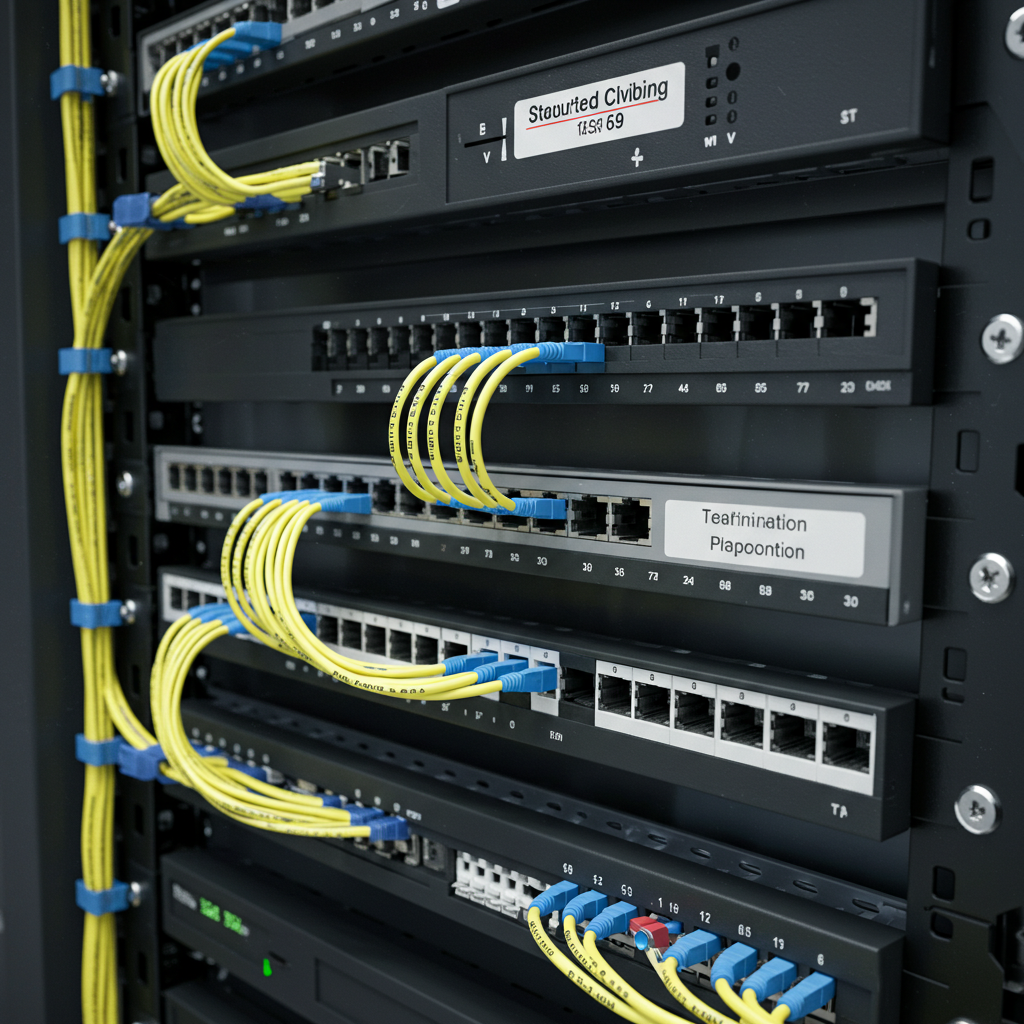
You want to know what drives me nuts? Walking into a building where the previous installer just ran cables wherever they felt like it. Last week I had to troubleshoot a system for this restaurant owner in Northern Liberties, and it was a complete disaster. Cables zip-tied to water pipes, running parallel to electrical lines, no labeling, no documentation – just a complete mess.
The owner was having constant problems with his cameras going offline, intermittent signal issues, you name it. Took me about five minutes to figure out why. When you don’t follow proper structured cabling practices, you end up with a system that barely works on a good day and fails completely when you actually need it.
Three days later, I had their whole system rewired using proper structured cabling methods. Six months later, they haven’t had a single problem. That’s the difference between doing it right and just making it work temporarily.
What Structured Cabling Actually Means
Think of structured cabling like the electrical system in your house. You don’t just run extension cords everywhere – there’s a main panel, proper circuits, everything organized and labeled so it works reliably and someone can service it later.
Same concept with security camera networks. Instead of just running cables directly from cameras to recording equipment, you create an organized infrastructure that can handle current needs and future expansion.
I learned this lesson the hard way about ten years ago. Customer wanted to add three more cameras to a system I’d installed the year before. Should have been simple, right? Wrong. Because I hadn’t planned properly, I ended up rewiring half the building. Cost them way more money and took twice as long as it should have.
The Backbone of Your System
Central Distribution Point
Every proper wired security camera installation starts with a main equipment room or closet. This is where your network switches, recording equipment, and power supplies live. Everything else connects back to this central point.
I always tell clients to think bigger than they need right now. That little closet that seems perfect for your 6-camera system? You’ll outgrow it when you want to add more cameras, upgrade equipment, or add other systems like access control.
Did this office building in Manayunk last year where the owner insisted on using a tiny utility closet for the equipment room. Two years later, they wanted to expand their system and we had to move everything to a larger space. Could have saved them thousands if we’d planned properly from the start.
Horizontal Cabling
This is the cables that run from your central point out to each camera location. In a properly structured system, each camera gets its own dedicated cable run back to the main equipment area.
No daisy-chaining cameras together. No splitting signals. Each camera gets a home run cable, period. It costs more upfront but saves you headaches later when you need to troubleshoot problems or upgrade equipment.
Pathway Planning
Before I run a single cable, I map out the entire pathway from the equipment room to each camera location. Where will cables enter and exit walls? How will they route around obstacles? What protection do they need?
This planning phase is what separates professional wired camera installation from amateur work. Skip this step and you’ll regret it later.
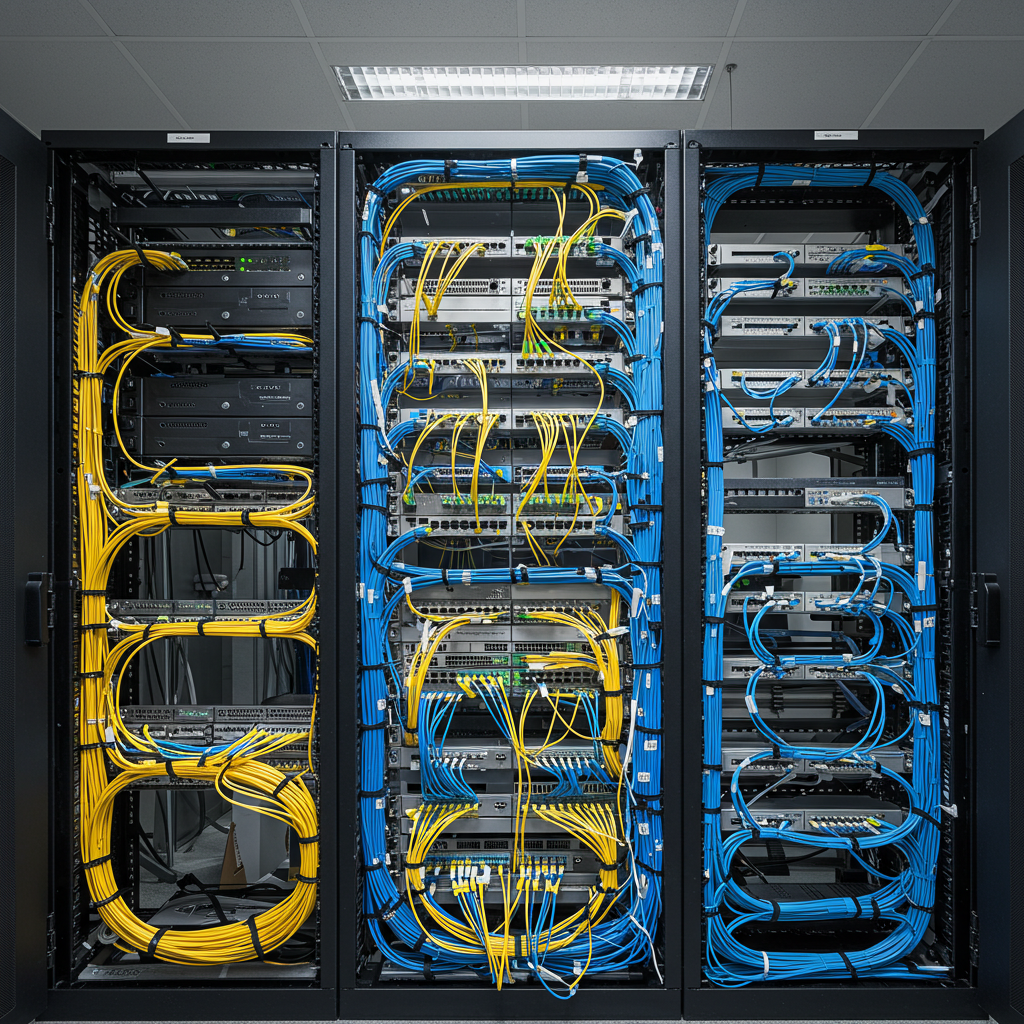
Cable Types and Why They Matter
Cat6 vs Cat5e for Security
For most residential wired surveillance camera setup projects, Cat5e is fine. But I’m installing Cat6 more often now because the cost difference is small and it gives you more headroom for future upgrades.
Here’s the thing – security cameras are getting more sophisticated every year. That basic HD camera you install today might get replaced with a 4K unit that needs more bandwidth. Cat6 gives you that flexibility.
Plenum vs Non-Plenum
This is one of those technical details that can bite you if you don’t pay attention. If your cables run through air handling spaces (like drop ceilings with HVAC), most building codes require plenum-rated cable.
Plenum cable costs more, but it’s required for safety reasons. I’ve had jobs where the fire inspector made us pull out hundreds of feet of cable and replace it with plenum-rated stuff. Learn from my mistakes – check the code requirements before you buy cable.
Outdoor vs Indoor Cable
Philadelphia weather is rough on outdoor cable installations. Hot summers, cold winters, lots of moisture – you need cable that can handle it all.
For outdoor wired camera setup, I use direct burial cable with UV protection and water blocking. Costs more than indoor cable but lasts way longer. Had one outdoor installation that’s been running perfectly for eight years now with zero cable problems.
Power Distribution Strategy
PoE Planning
Power over Ethernet has made security camera installation so much simpler, but you need to plan for it properly. Each camera needs a certain amount of power, and your switches have limits on how much total power they can provide.
I always calculate total power requirements before selecting switches. Nothing worse than installing everything and finding out your switch can’t power all your cameras at once.
Backup Power Considerations
What happens when the power goes out? If security is important enough to install cameras, it’s probably important enough to keep running during power outages.
I usually recommend UPS systems for the main equipment, but the size depends on how long you want the system to run on battery power. This medical office in Center City wanted 4 hours of backup power – required a pretty substantial UPS system.
Network Design That Actually Works
Switch Placement
For larger installations, I often use multiple switches connected back to a main switch. This reduces cable lengths and provides better performance than trying to run everything back to one central switch.
Key is planning switch locations that are accessible for maintenance but secure from tampering. I’ve learned to avoid placing switches in areas where they’ll get bumped, where temperature extremes can cause problems, or where unauthorized people can mess with them.
VLAN Configuration
This gets a bit technical, but for larger systems, I often put cameras on their own network segment (VLAN) for security and performance reasons. Keeps camera traffic separate from regular business network traffic.
Most small businesses don’t need this level of complexity, but it’s standard practice for larger commercial wired CCTV installation projects.
Installation Standards That Matter
Cable Management
I spend a lot of time making sure cables are properly supported and protected. Cables hanging loose will eventually fail from vibration or get damaged during building maintenance.
Use proper cable trays, j-hooks, and tie-downs. Leave service loops at both ends so there’s room to reterminate connections if needed. Label everything so someone can figure out what goes where later.
Termination Quality
Poor cable terminations cause more problems than bad cable. I see this all the time – someone uses cheap connectors or doesn’t follow proper termination procedures, and the system has constant problems.
I use quality keystones and patch panels, and I test every connection before turning the system over to the customer. Takes longer but prevents callbacks for stupid problems.
Documentation
Every job I complete includes a complete cable map showing where every cable runs, what it connects to, and how it’s labeled. This documentation is worth its weight in gold when you need to troubleshoot problems or expand the system later.
Most installers skip this step because it takes time and customers don’t want to pay for it. But I’ve found that good documentation prevents way more problems than it costs to create.
Troubleshooting Common Problems
Signal Loss Issues
When cameras start having picture quality problems, it’s often because cable runs are too long or there’s interference from electrical sources.
Ethernet has distance limitations – about 300 feet max for most applications. Beyond that, you need switches or repeaters to boost the signal. I always measure cable runs during planning to avoid this problem.
Interference Problems
Running security cables parallel to electrical lines can cause interference, especially with fluorescent lighting or motor controls. I maintain at least 12 inches separation whenever possible.
Had one job where cameras would glitch every time the building’s elevator ran. Turned out the camera cable was bundled with the elevator control wiring. Separating the cables solved the problem.
Network Overload
This usually happens when someone adds more cameras without considering network capacity. Each camera uses bandwidth, and at some point you can overload your network infrastructure.
I calculate bandwidth requirements during the design phase and size network equipment accordingly. Better to have too much capacity than not enough.
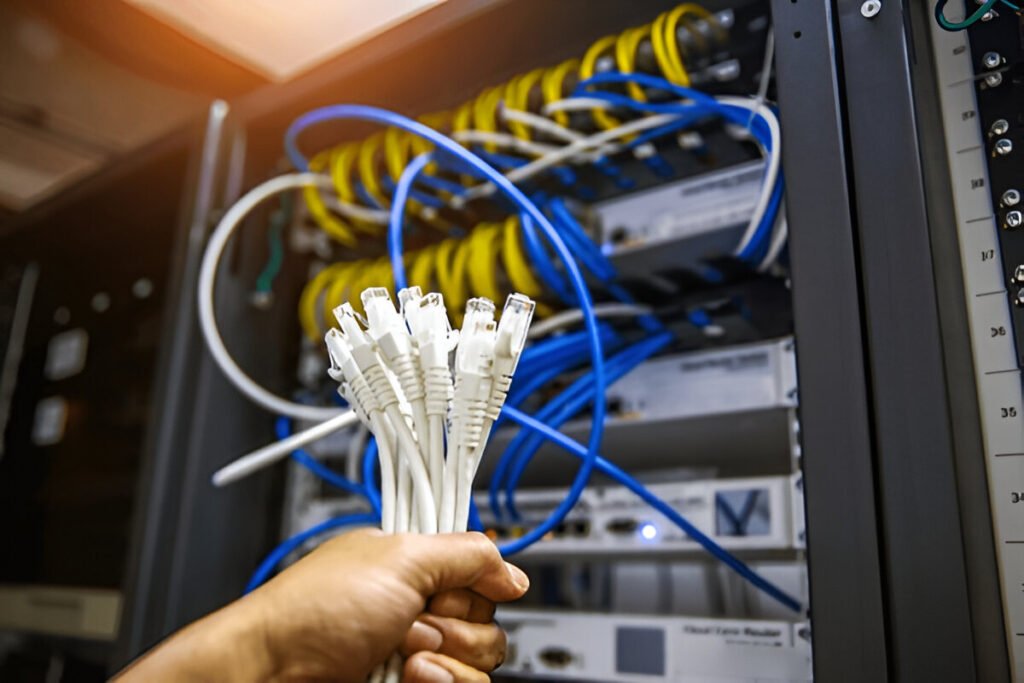
Future-Proofing Your Installation
Plan for Growth
I always ask clients where they might want to add cameras in the future and run extra cables to those locations during initial installation. It’s way cheaper to run extra cable now than to add it later.
This retail store in South Philly started with 8 cameras but had plans to expand into the adjacent space. We ran cables for the future expansion during the initial install. When they were ready to expand two years later, the infrastructure was already there.
Technology Evolution
Security camera technology keeps advancing. Higher resolution cameras, new compression standards, analytics capabilities – all of this affects your cabling requirements.
By using structured cabling with adequate capacity, you can usually upgrade cameras and equipment without rewiring. That’s the whole point of doing it right the first time.
Working with Building Infrastructure
Older Philadelphia Buildings
Half my jobs are in buildings that are 50+ years old. These older buildings present unique challenges for wired camera installation – thick walls, no cable pathways, historic preservation requirements.
Sometimes I have to get creative with cable routing. Surface-mounted raceways, existing utility pathways, careful drilling through old masonry – each building is different.
Code Compliance
Philadelphia has specific requirements for low-voltage installations, and they change periodically. I make sure to stay current on code requirements and pull permits when required.
Had one job where the customer didn’t want to bother with permits. Six months later, the city inspector red-tagged the installation during a routine inspection. Customer ended up paying way more to bring everything up to code after the fact.
Cost Considerations
Upfront vs Long-Term Costs
Structured cabling costs more initially than just running cables directly, but it saves money in the long run through easier maintenance, better reliability, and simpler expansion.
I always explain this trade-off to customers. Some choose the cheaper option anyway, and that’s fine, but they need to understand what they’re giving up.
Quality vs Budget
There are places you can save money and places you can’t. Good quality cable doesn’t cost that much more than cheap cable, but the installation labor is the same either way.
I’d rather install fewer cameras with proper structured cabling than more cameras with cheap, poorly installed cabling. You’ll get better performance and fewer problems.
The Bottom Line
Structured cabling isn’t just about following standards – it’s about creating a security system that works reliably for years and can grow with your needs.
Whether you’re doing a simple residential wired surveillance camera setup or a complex commercial installation, taking time to plan and install proper cable infrastructure pays off in better performance, easier maintenance, and lower long-term costs.
The key is working with someone who understands both the technical requirements and the practical challenges of real-world installations. Cutting corners on cabling infrastructure always comes back to bite you later.
My Honest Recommendation
If you’re serious about security, invest in proper structured cabling from the beginning. It costs more upfront, but it’s the foundation everything else depends on.
Don’t let anyone talk you into shortcuts that will cause problems later. And don’t try to save money by skipping the planning phase – that’s where most problems start.
Good structured cabling is invisible when it’s working properly. You shouldn’t have to think about it, worry about it, or troubleshoot it. That’s what you’re paying for.
Need a security system built on solid infrastructure?
I’m Robert from Mi5 Security, and I’ve been installing structured cabling systems for security cameras throughout the Philadelphia area for years. I’ll help you design a system that works reliably today and can grow with your future needs.
Call me at (610) 633-6364 or email robertpjonesjr@yahoo.com. Let’s talk about building your security system the right way from the ground up.


